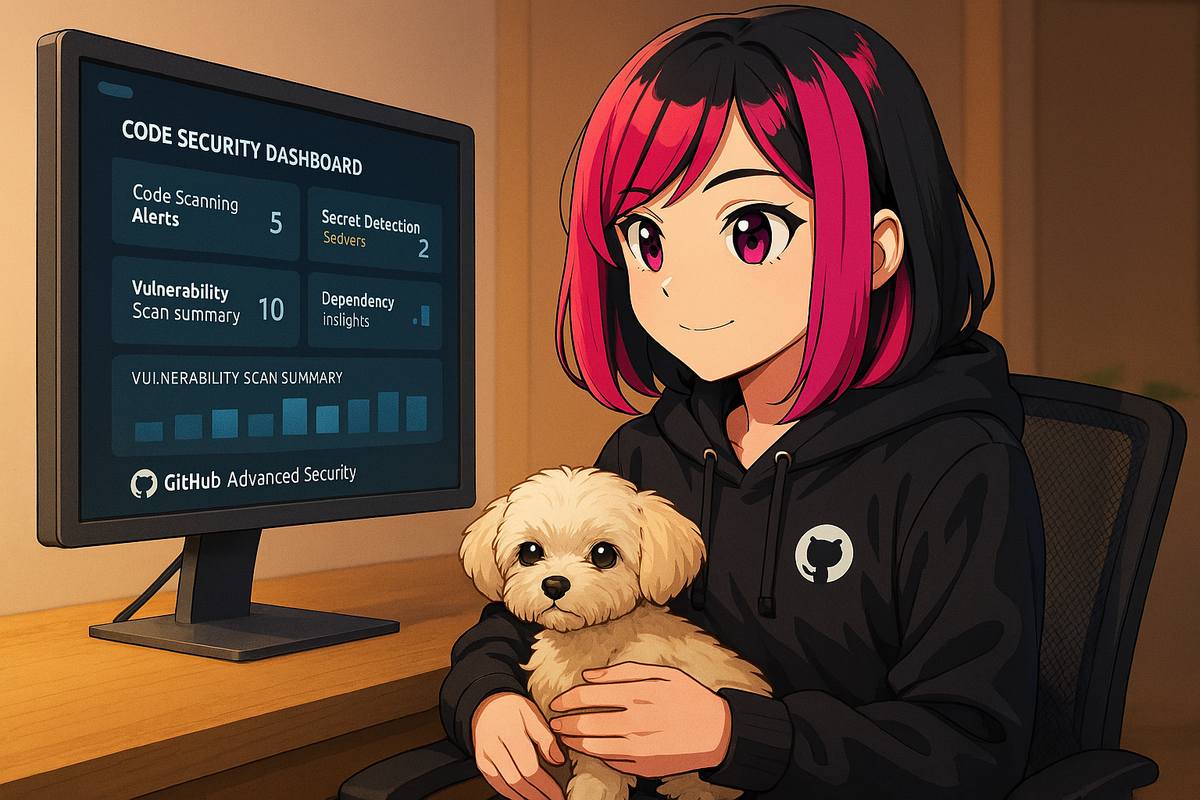
How GitHub Copilot helps me write more secure code
As developers, we all want to build features fast without cutting corners on security. I've found GitHub Copilot can be a true asset here. When I'm implementing something like user authentication or input validation, Copilot often prompts me to check for edge cases or sanitize inputs as I code.
Real-Time Security Guidance
Sometimes, it even reminds me about potential pitfalls or best practices I might overlook when moving quickly. Of course, the responsibility is still on me to review and test - but having GitHub Copilot suggest safer approaches in real time has given my code an extra layer of safety net.
Key Security Benefits
- Input Validation: Copilot prompts for proper sanitization and validation
- Edge Case Detection: Highlights scenarios you might miss under pressure
- Best Practice Reminders: Suggests security patterns as you code
- Authentication Patterns: Recommends secure authentication implementations
The Balance
While Copilot provides valuable security suggestions, it's important to remember that the ultimate responsibility for code security remains with the developer. Use Copilot as a helpful assistant that augments your security awareness, not as a replacement for proper security testing and review.
Share Your Experience
For anyone using GitHub Copilot, have you noticed it flagging security issues or nudging you toward more secure code? Share your experiences - would love to learn new ways to leverage Copilot!
Learn More
Discover more about GitHub Copilot's security features and how to write more secure code with AI assistance.